
How does Filter by tone work in Rypl?
Updated
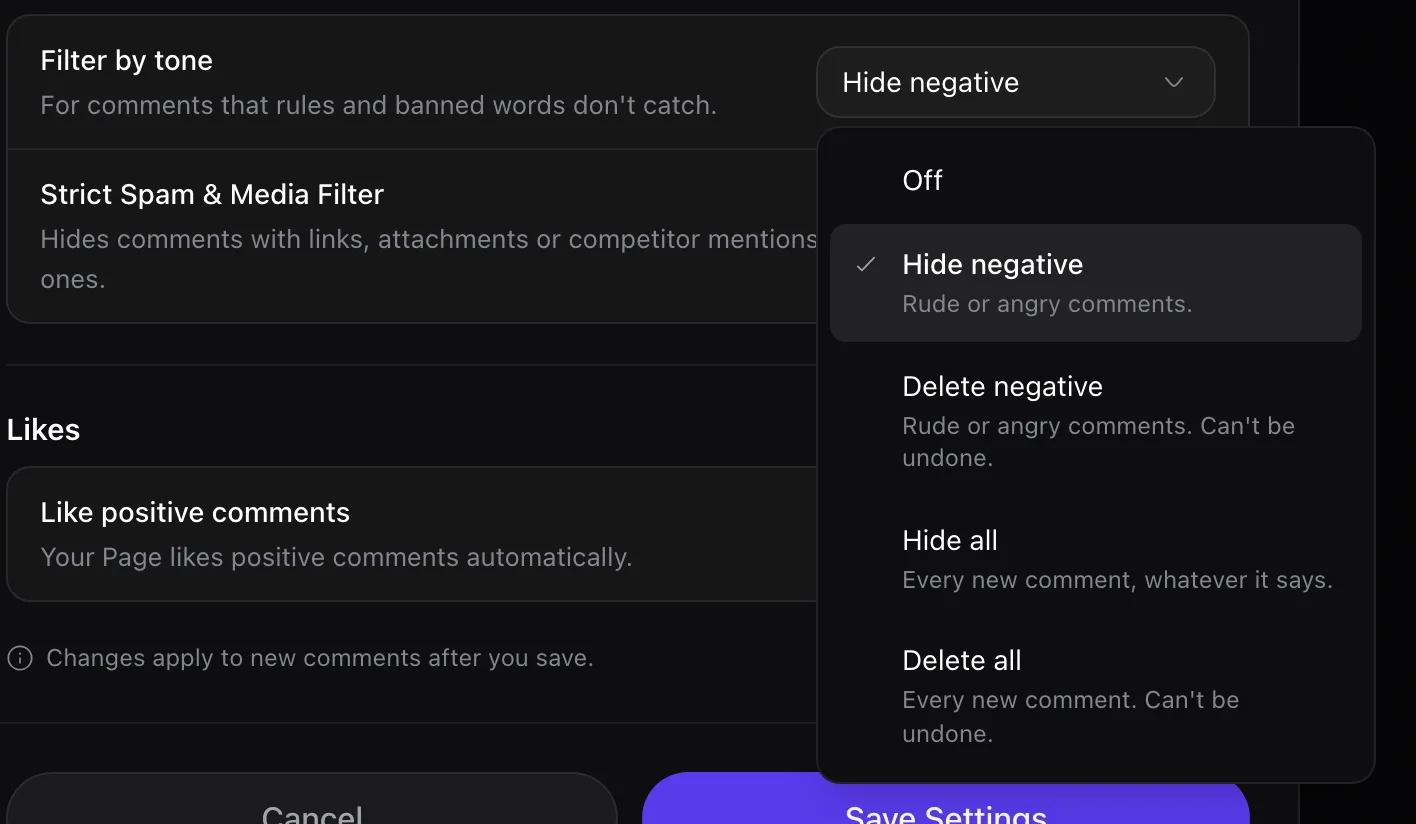
Filter by tone is a Rypl channel setting that hides or deletes negative comments, or every new comment. Hide negative and Delete negative only touch comments no rule matched; Hide all and Delete all act on every new comment, whatever your rules say. It is off by default and works on every plan.
| Option | What it does |
|---|---|
| Off (default) | Every comment stays visible unless a rule or banned word catches it |
| Hide negative | Rude or angry comments are hidden. The author isn't told |
| Delete negative | Rude or angry comments are removed for good. Can't be undone |
| Hide all | Every new comment is hidden, whatever it says. For ads where you don't want any public discussion |
| Delete all | Every new comment is removed for good. Can't be undone |
On TikTok only Hide negative and Hide all are available.
While Hide all or Delete all is on, banned words and the spam filter are off: they aren't needed.
Where to find it
Open Channels, pick a channel, go to Moderation, then Filters.
Hiding every negative comment also hides honest complaints from real customers. Many brands leave the filter off and answer complaints from Needs attention instead.