
How do I disconnect Facebook or TikTok from Rypl?
Updated
On Accounts, click Delete (the trash icon) next to the account and confirm. Rypl removes the account with its Pages and their history. Your Facebook or TikTok account itself isn't affected.
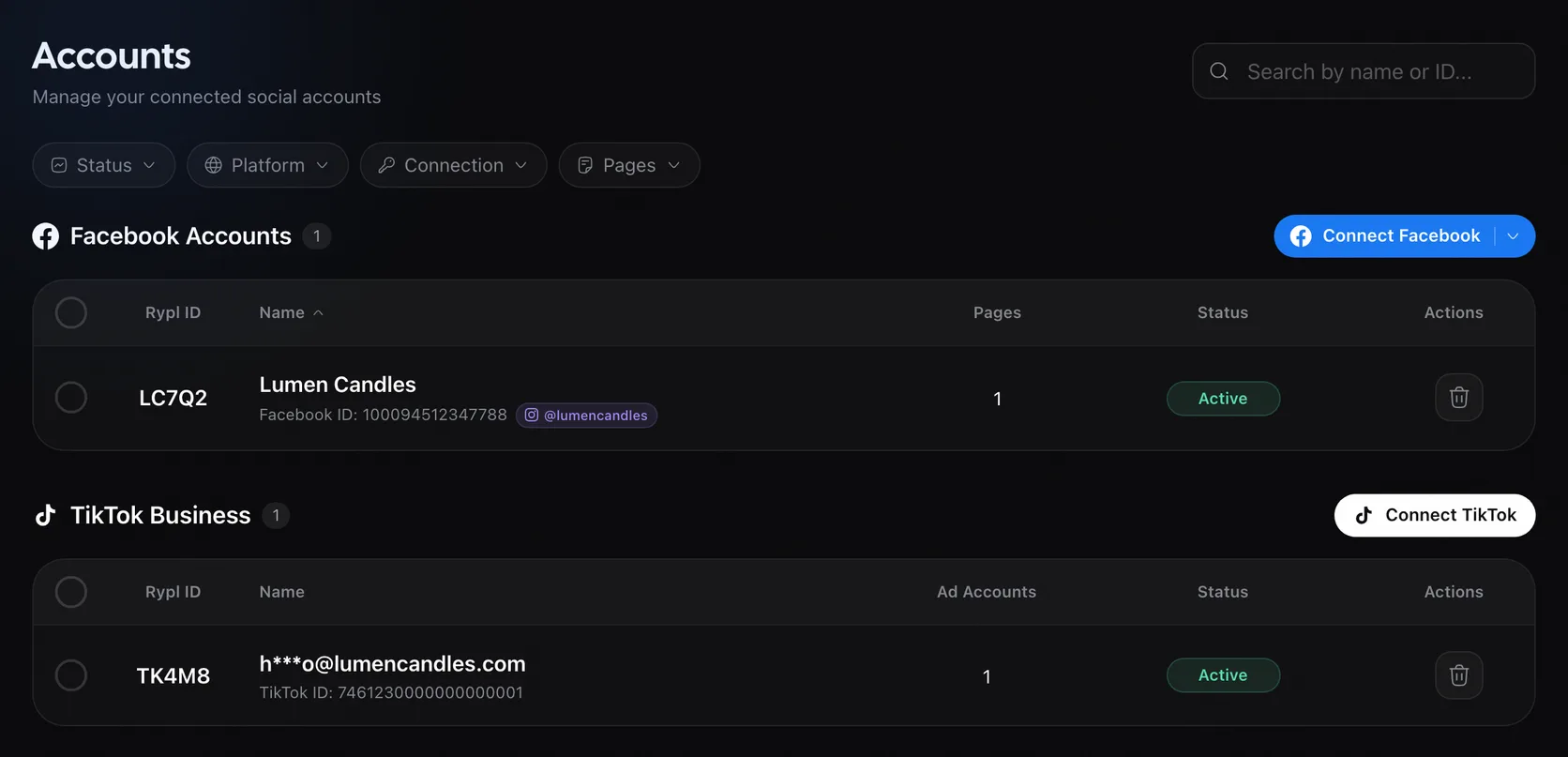
This can't be undone. If you connect the account again later, its Pages come back with their history gone.
Remove one Page only
There is no button for a single Page. Either:
- Stop Rypl on it: switch off AI replies and its moderation. See How do I pause Rypl?
- Remove it: on Accounts, click Connect Facebook again and untick that Page in the Facebook window. It disappears from Channels and Rypl stops working on it. Its history and settings are kept, so ticking it again later brings it back as it was.
From Facebook's side
You can also remove Rypl from your Facebook account's business integrations. Rypl then loses access to its Pages and asks you to reconnect.
Sign-in and password
Sign in at app.rypl.is with email and password or with Google. Change your password in Settings, under Security. Forgot it? Use Forgot password.
Delete your account
In Settings, open Danger Zone, click Delete, type DELETE MY ACCOUNT and confirm. Cancel your subscription first: deleting the account doesn't stop billing.