
Do I need a Meta Business portfolio to use Rypl?
Updated
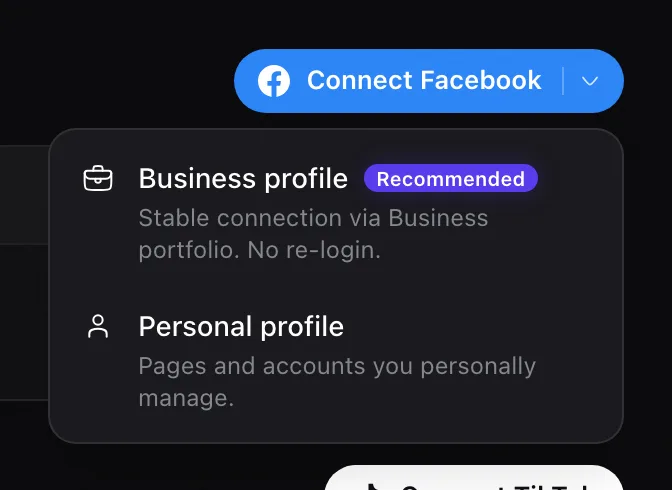
No. You can connect Rypl with the Facebook profile that manages your Page (Personal profile). If your Pages are in a Meta Business portfolio, connecting through it (Business profile) is the recommended option: the connection is more stable and doesn't need re-login.
| Business profile | Personal profile | |
|---|---|---|
| Connects | Pages in your Business portfolio | Pages and accounts you personally manage |
| Re-login | Not needed | Sometimes, for example after a password change |
| Best for | Agencies, brands with a portfolio | A single Page run from one profile |
Switching later
If the same Page is already connected through Personal profile, connecting it again through Business profile keeps it on the old connection. To move it, delete the old account on Accounts first. That erases its history in Rypl.
Related
Connect Facebook
In Rypl, open Channels, click Connect Facebook, choose Business profile or Personal profile, allow the permissions and select your Pages.
Connect Instagram
Connect the Facebook Page your Instagram professional account is linked to. Rypl then handles comments on its ads and posts and its Direct messages.