
What do the labels on Rypl's Channels page mean?
Updated
Each row on Channels shows an AI replies switch and a Moderation label. Some rows also get a grey or amber label when something needs your attention.
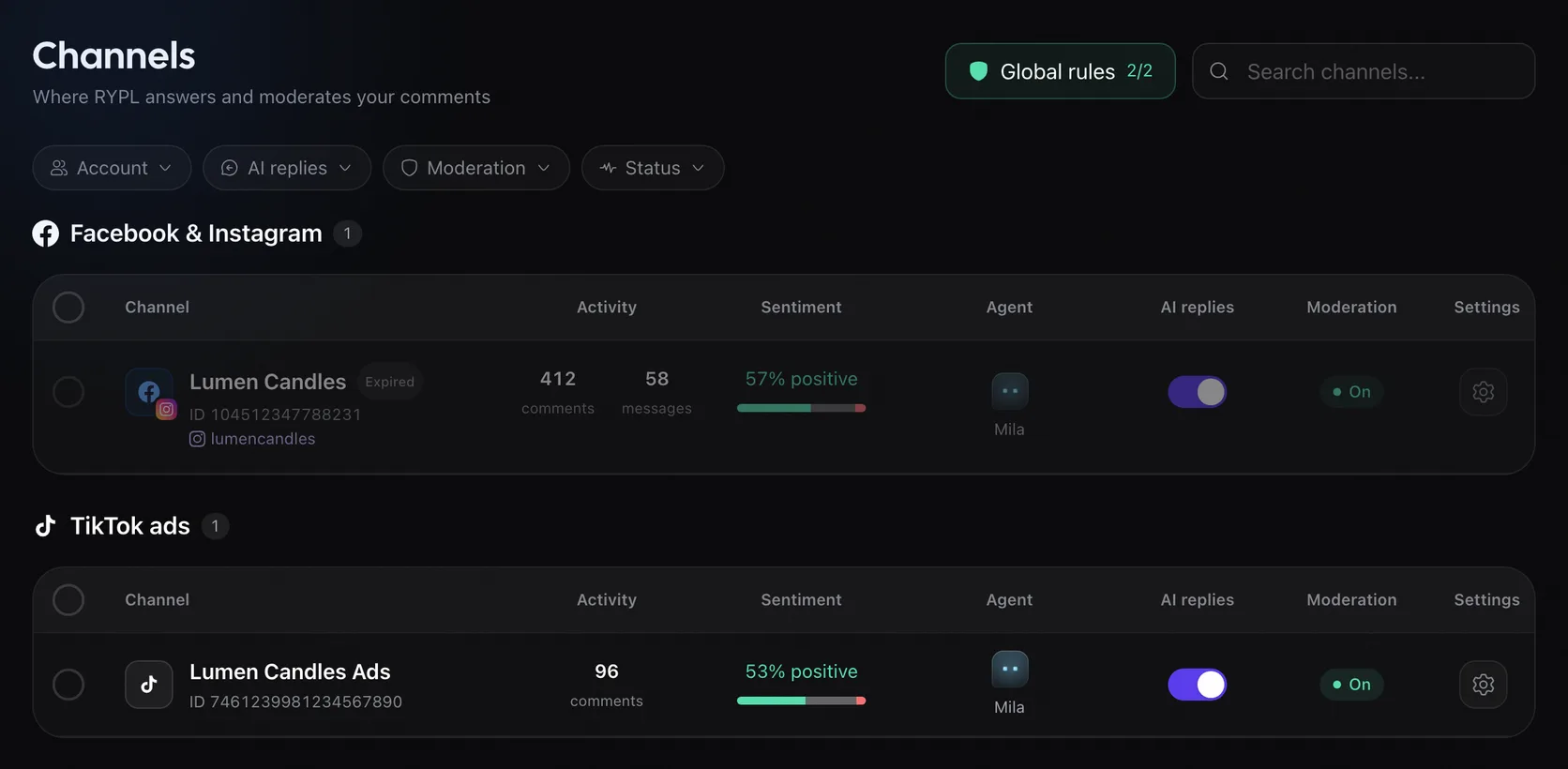
| Label | What it means | What to do |
|---|---|---|
| AI replies switch | Whether the channel's agent answers new comments and messages | Switch it on or off |
| Moderation: On | Something automatic runs here: rules, banned words, filters or Like positive comments. Rules set to Flag for me, or in Review first, only flag comments | Nothing |
| Moderation: Off | Nothing is hidden or deleted automatically on this channel | Open its Moderation tab |
| Grey Expired or Disabled, row dimmed | Rypl lost access to the account | Reconnect it |
| Grey Transferred | Another Rypl user connected this account, so it was switched off here | Reconnect it if it should be in this Rypl account |
| Amber Flagged as automated, Too many replies, Replies flagged or Limited by Facebook | Facebook restricted how the Page can comment; AI comment replies pause until it ends, messages still get answers | See Why are replies paused on my Facebook Page in Rypl? |
Find channels with a problem
Use the Status filter: Needs reconnect or Restricted by Facebook.
Inside a channel
The channel's settings start with two lines. AI replies reads On, Off. Nothing is answered automatically. or No agent. Moderation reads On, Off. Nothing is hidden or deleted automatically. or Your rules are paused on all channels.
Dashboard
The Rypl dashboard shows what needs your attention, how many comments got a reply, what was hidden, sentiment, questions and when people write.
Pause Rypl
Switch off AI replies on a channel to stop answers there; moderation keeps working. Pause your rules in Global rules; banned words keep working.