
How do I set up my first agent?
Updated
If you described your business at sign-up, Rypl has already built your first agent. Check four things, then assign it to your channels.
Name and instructions
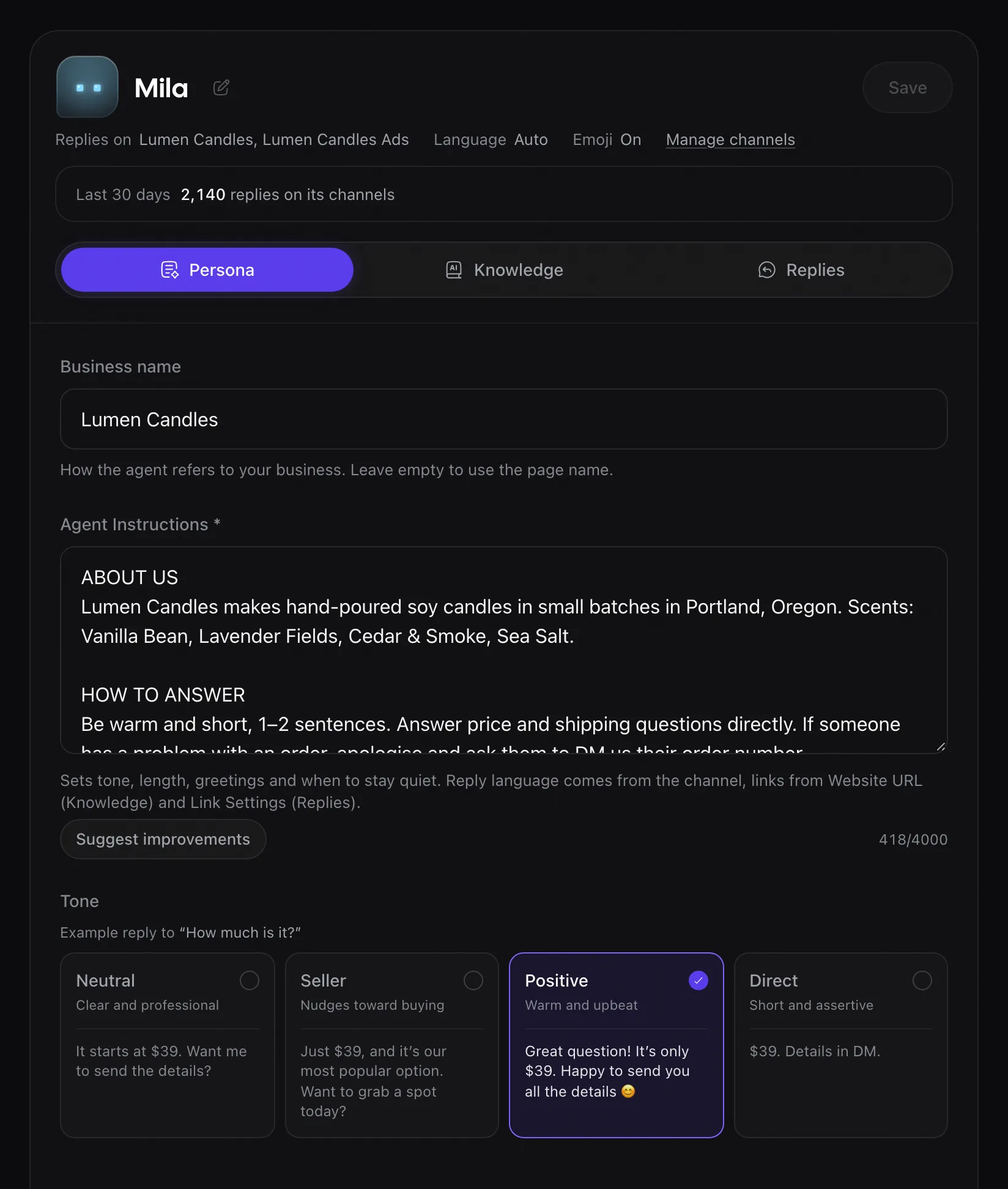
Name the agent after the brand it serves. On the Persona tab, in Agent Instructions (up to 4,000 characters), say how to answer: reply length, words to use, what to do when it doesn't know. See How do I set my brand voice?
Knowledge base
Add your website, the questions you get most as Q&A, and documents such as a price list or returns policy. See What can I add to the knowledge base?
Where and how soon
Choose Where it replies and How soon. See Where and how soon does the agent reply?
Then turn on AI replies on your channels.
Permissions
Each permission lets Rypl do one part of its job: see your Pages, learn about new comments, read them, and reply, hide or delete as your Page.
Turn on AI replies
Open Channels, pick a channel, switch on Reply with AI in the AI replies tab and choose your agent. Changes apply to new comments after you save.