
How do I see the comments Rypl hid?
Updated
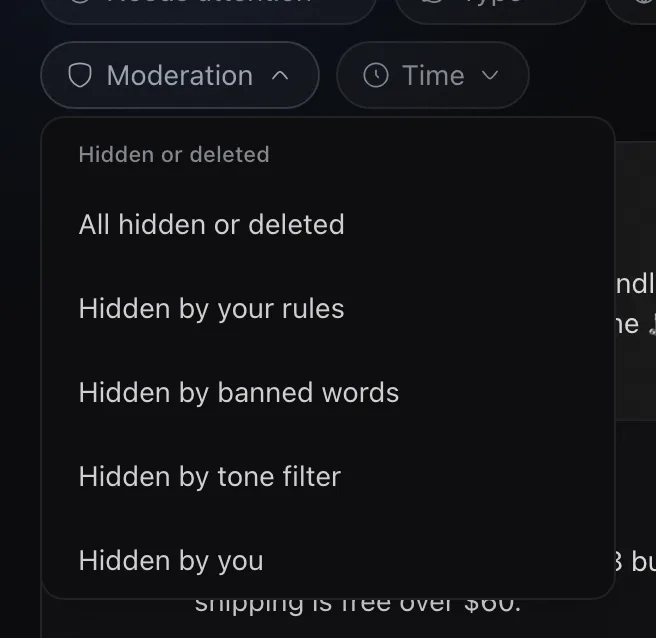
In Conversations, open the moderation filter and choose All hidden or deleted. Each comment shows why it was hidden, and you can unhide any of them.
| Filter | What it shows |
|---|---|
| All hidden or deleted | Everything Rypl or you took down |
| Hidden by your rules | Caught by a moderation rule |
| Hidden by banned words | Contained a banned word |
| Hidden by tone filter | Caught by Filter by tone |
| Hidden by you | You hid it by hand |
| Deleted | Removed for good |
| From blocked authors | Posted by people you blocked |
| Not hidden or deleted | Everything still visible |
Unhide a comment
Open it and click Unhide. Deleted comments can't be brought back.
Hidden by tone filter also covers comments hidden by the Strict Spam & Media Filter, by Hide all, and outside Rypl. Deleted includes comments their authors deleted. On a comment you may also see Hidden — author is blocked, Hidden with parent or Hidden on Facebook.
Check this filter in your first week. If something was hidden by mistake, adjust the rule or the banned word that caught it, not just the one comment.