
What does the Rypl dashboard show?
Updated
The Rypl Dashboard shows, for the period you pick, what needs your attention, how much your agents answered and what was hidden. Pick Today, 7d, 30d or your own dates.
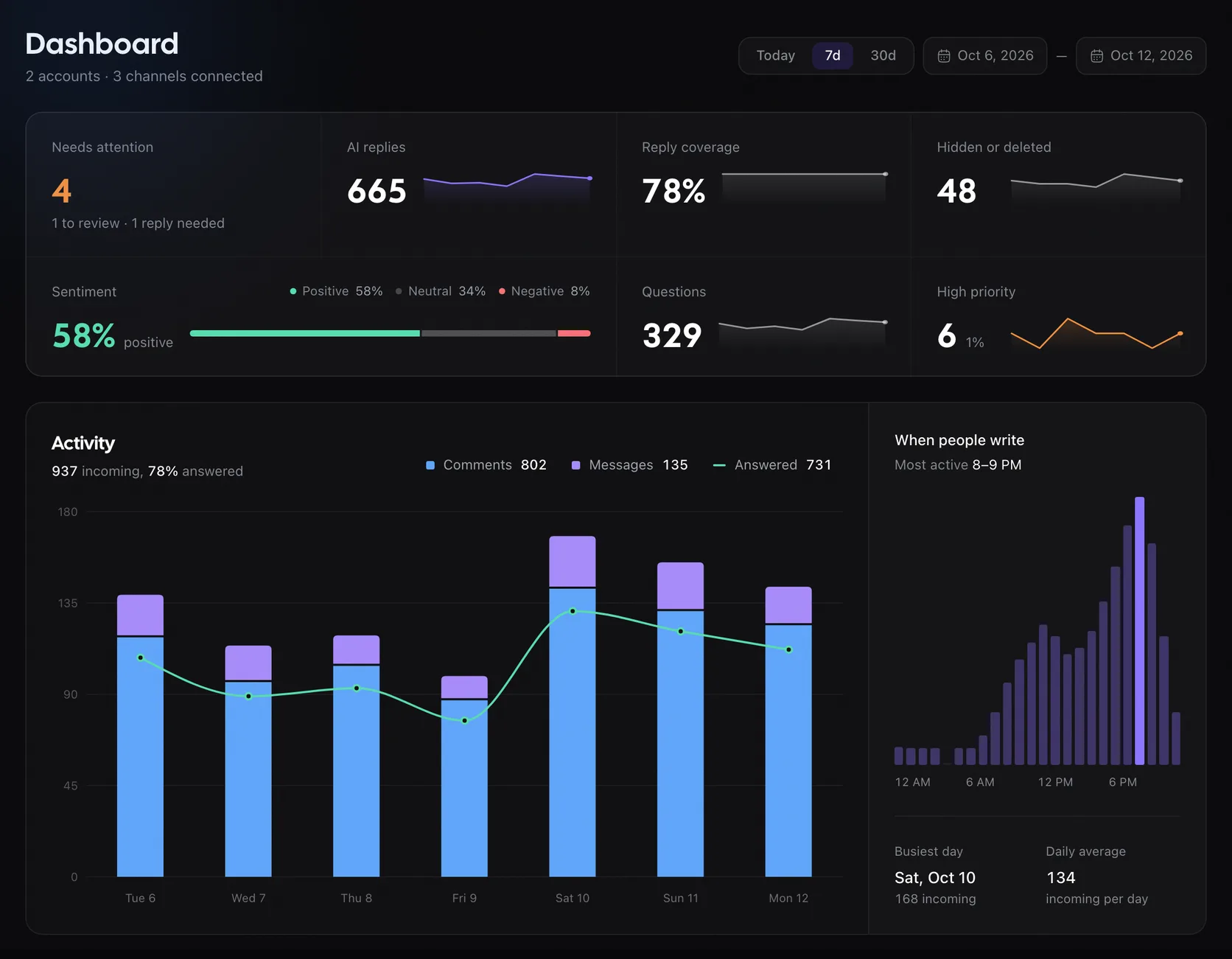
| Tile | What it counts |
|---|---|
| Needs attention | Negative or urgent conversations without a reply, plus tasks from your rules. Links to the ones to review and the ones that need your reply |
| AI replies | Replies sent by your agents |
| Reply coverage | Share of comments and messages that got a reply |
| Hidden or deleted | By your rules, filters or by you |
| Sentiment | Positive, neutral and negative, of the comments and messages analyzed |
| Questions | Comments and messages that ask something |
| High priority | Comments and messages marked urgent, with their share of everything analyzed |
Below the tiles, Activity charts incoming comments and messages against answered ones, and shows when people write most: the busiest day and the daily average.
Once a day, a While you were away card sums up what your agents answered since your last visit.
Before you connect anything, the dashboard shows a set-up checklist instead.
Related
Actions and filters
Conversations is the inbox for every comment and DM on your channels. Reply, hide, delete, block authors and mark comments as reviewed.
Channel labels
Each channel shows an AI replies switch and a Moderation On or Off label. Grey labels mean reconnect; amber ones mean Facebook restricted the Page.