
How do I change or cancel my Rypl plan?
Updated
Upgrade your Rypl plan in Settings: you pay the prorated difference and the new plan starts right away. To cancel, click Manage on the Subscription card in Settings; Rypl keeps working until the end of the period you paid for.
Upgrade
Open Settings.
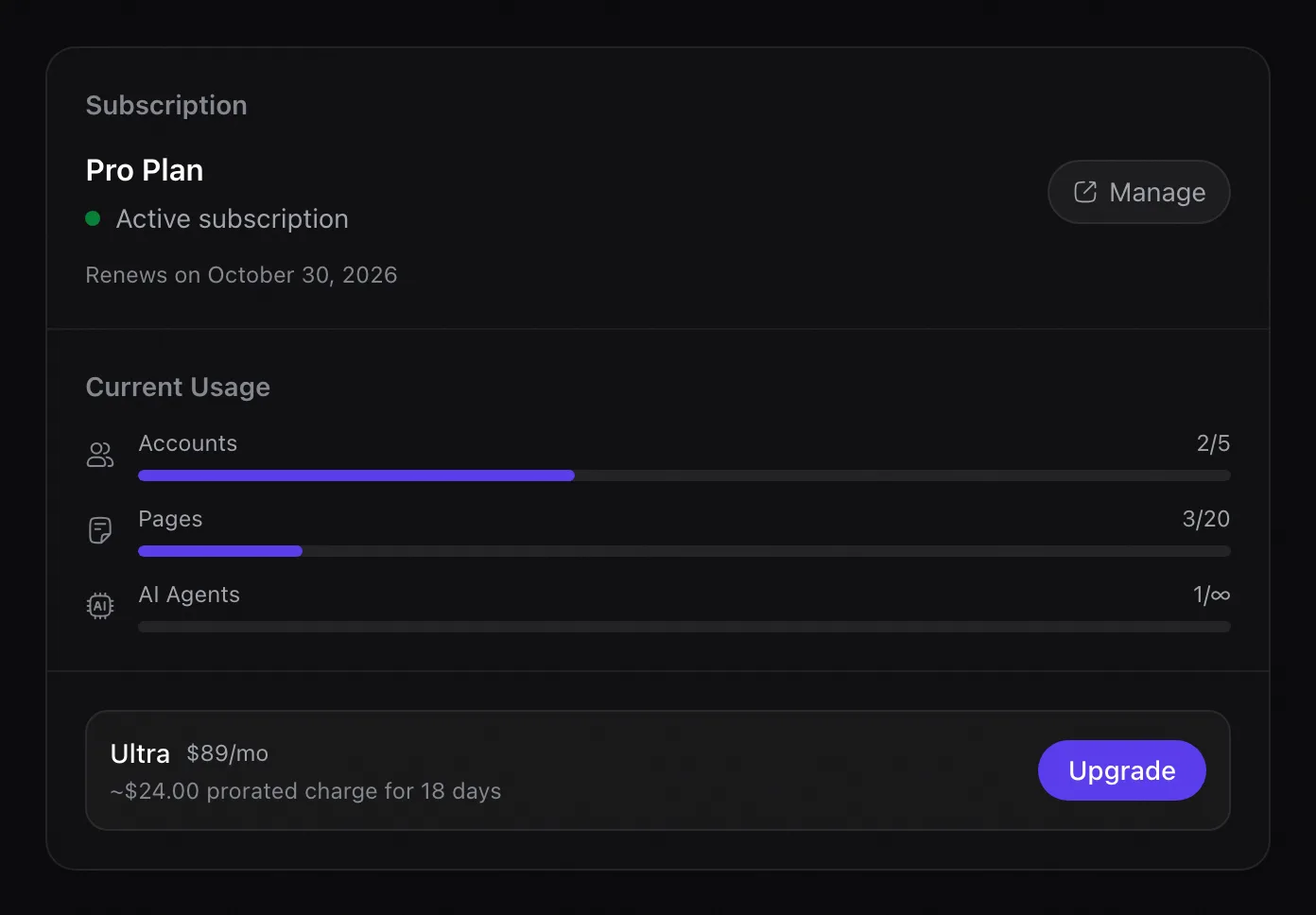 Higher plans show an Upgrade button (Switch during the trial).
- During the trial: no charge until the trial ends.
- On a paid plan: you pay the prorated difference for the days left in the period, and the new plan starts immediately.
Cancel
In Settings, click Manage on the Subscription card and cancel there.
- During the trial: cancel before it ends and you aren't charged at all.
- On a paid plan: Rypl keeps working until the end of the period you paid for.
Your agents, rules and channels stay saved for 60 days after the plan ends: choose a plan again within that time and they turn back on. After 60 days they may be deleted.
Receipts and payment method
Payments are processed by Lemon Squeezy, which emails a receipt for every charge. To change your card, click Manage on the Subscription card in Settings.
Deleting your Rypl account doesn't cancel the subscription. Cancel first, then delete the account.
EU consumers can also use the withdrawal form.
Accounts and pages
Simple covers 1 account and 3 pages, Pro 5 accounts and 20 pages, Ultra unlimited. An Instagram account linked to a Page doesn't count extra.
Partial charges
You upgraded in the middle of a billing period. Rypl charges the prorated difference for the days left, and the new plan starts right away.