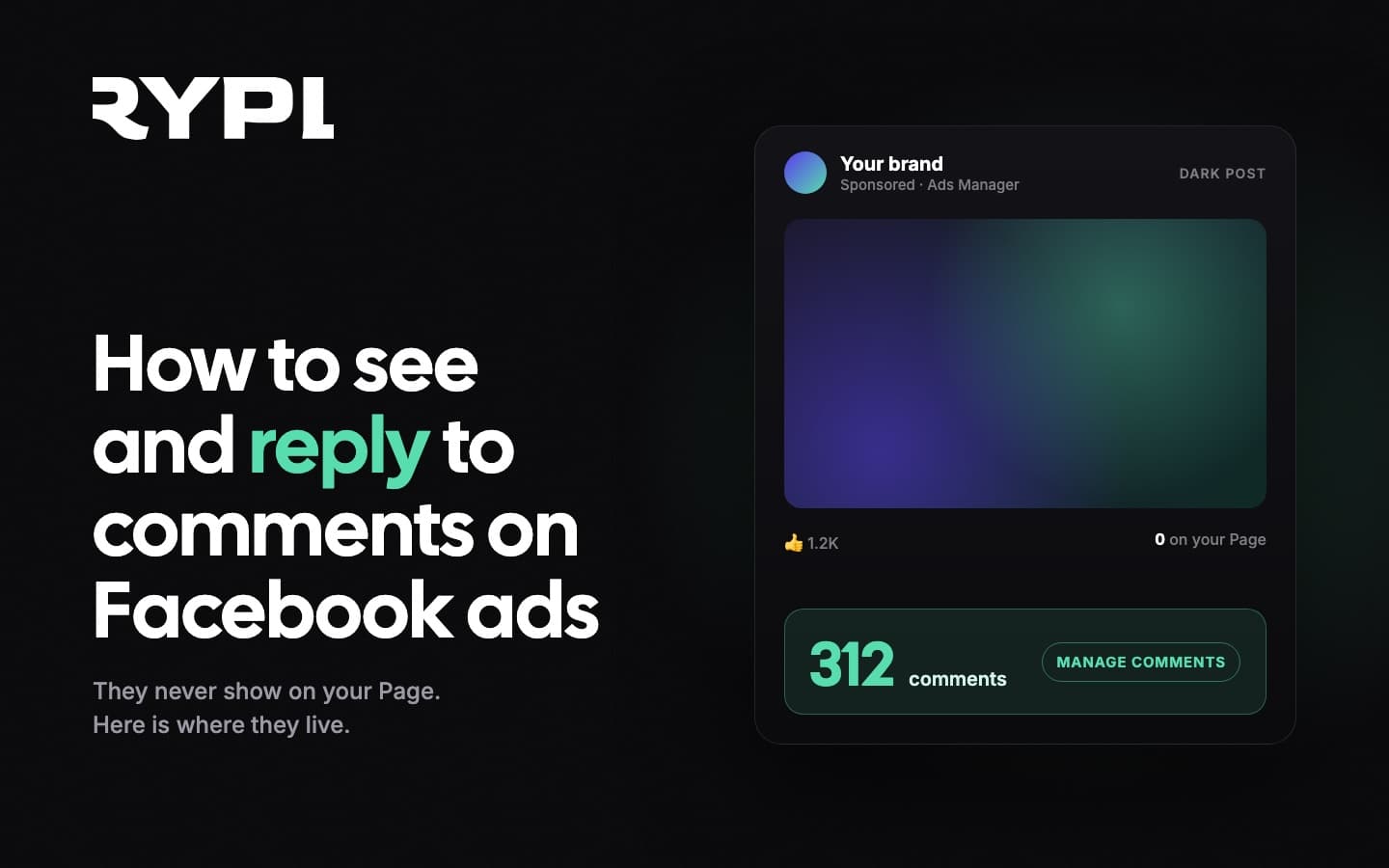
Comments on Facebook ads live in the ad, not on your Page. The reliable way to see them is Ads Manager, Ads tab, Edit, the three-dot menu, More options, Manage Facebook comments, where you can like, reply, hide and report. Two backups: the ad's permalink (Ad preview, See post, Facebook post with comments) and Meta Business Suite Inbox filtered to comments. Replies post as your Page. When the volume outgrows a person checking each ad, an API-based tool replies and moderates automatically; Rypl does it in under 60 seconds per comment.
Most advertisers discover the problem the same way: an ad has 300 comments, the Page shows none of them, and nobody on the team knows where the questions went. This guide is the fix. It covers every place ad comments can be seen and answered in 2026, what each view can and cannot do, and what to do once the volume outgrows a person with a browser tab.
Why don't comments on Facebook ads show up on the Page?
Because most ads are dark posts. An ad created in Ads Manager is never published to your Page timeline; it exists only as an ad, so the comments under it have no timeline home. The Page looks quiet while the ad is busy.
The exception is a boosted post. That started as a normal Page post, so its comments show both on the Page and in Ads Manager. If you run mostly boosted posts you have probably never hit this problem; if you build ads in Ads Manager, everything below applies.
One more reason comments go missing: Advantage+ creative variations and multiple placements can spread comments across several versions of "the same" ad. Check every ad in the ad set, not just the one with the most spend.
How to see comments on a Facebook ad in Ads Manager
This is the primary route and it covers dark posts.
- Open Ads Manager and go to the Ads tab (not Campaigns or Ad sets).
- Find the ad and click Edit under its name.
- Click the three-dot menu (···) next to the ad, then More options.
- Choose Manage Facebook comments. If the ad also runs on Instagram or Threads, you will see Manage Instagram comments and Manage Threads replies as separate entries.
A panel opens with every reaction, comment and reply on that ad. On Facebook comments you can like, reply, hide or report; replies post as the Page. In the Instagram panel you can only hide or report a comment. Instagram and Threads panels require those accounts to be connected to the same business portfolio.
Two limits to know. The panel is per ad, so a campaign with twenty ads means twenty panels. And at the time of writing there is no search or filter, so finding the one question about shipping among two hundred emoji is manual work.
To spot which ads are collecting comments before you open them, add the Post comments column in Ads Manager (Columns, Customize columns, Engagement). Sort by it and you know where to look first.
How to see the ad as a post, with its comments
The second route opens the ad the way a person sees it.
- Ads tab, Edit the ad, scroll to Ad preview.
- Click See all previews and sharing options (the share icon).
- Under See post, choose Facebook post with comments (or Instagram post with comments).
A new tab opens with the ad's permalink: the creative, reactions and the full comment thread. You can like, reply and hide here as the Page. This view is handy for sharing a link with a teammate who has no Ads Manager access. For some dark posts the permalink option is missing; the Manage comments panel is the reliable route.
How to manage ad comments in Meta Business Suite
If you prefer one queue over many panels, Meta Business Suite Inbox collects comments across your Page and Instagram account, including comments on ads.
- Open Meta Business Suite, pick the right Page or business portfolio.
- Go to Inbox in the left menu.
- Filter to Comments, and narrow to Ads if the filter is offered.
- Open a comment, reply, like, hide or delete, or assign it to a teammate.
The trade-off is reliability. Advertisers report that Inbox updates with a delay and can miss some ad comments. Treat it as the daily queue and Ads Manager as the source of truth when a campaign is live.
Notifications on the Facebook and Instagram apps surface the same activity, but only for comments Meta decides to notify you about, so they are not a complete list.
How to reply to comments on Facebook ads (and what to say)
Wherever you open the comment, the reply goes out as the Page. Three habits separate advertisers who get sales from the comment section from those who just clean it:
Reply fast. Edison Research found that 42% of consumers who complain to a brand on social media expect a reply within 60 minutes; the typical business reply arrives hours later (why that gap costs sales). The person asking "does it come in XL?" under your ad is deciding right now.
Answer the actual question. "DM us!" is a lost sale for everyone else reading. A specific reply ("Yes, XL is in stock, ships in 2 to 3 days") sells to the commenter and to the hundred people who read the thread without asking.
Keep the thread visible. Replies are social proof. In a controlled A/B test at MindValley, comment management as the only variable delivered +48% ROAS (the full evidence chain). An answered comment section is part of the ad.
How to hide or delete comments on a Facebook ad
From any of the views above: hover the comment, open its menu, choose Hide comment or Delete. Hiding removes the comment from the public thread for everyone except the person who wrote it and their Facebook friends; replies to it are hidden with it, and anyone managing the Page can still see it in the moderation tools and the Activity Log and unhide it. Deleting removes it for everyone, including the author, and cannot be undone, which is covered in how to delete comments on Facebook and Instagram. Hiding is the quieter option and is what most brands use for spam and abuse. The full playbook, including Meta's own auto-hide rules, is in how to hide comments on Facebook ads automatically.
How to see and reply to ad comments at scale
Every method above is manual: a person opens an ad, reads, replies. That works for one campaign with a handful of comments a day. It stops working at the point where the ads are working, because a good ad on Facebook, Instagram or TikTok draws comments around the clock in every language your audience speaks.
An automation tool built on the official Meta Graph API removes the per-ad hunting. Rypl connects to your Page and ad accounts via OAuth, watches every ad and post, and handles each new comment:
- Replies as your Page in under 60 seconds to the comments that need an answer, in the commenter's language. On the Pro plan and up the reply is context-aware: the agent reads the ad creative (image, video, copy) first.
- Classifies buying intent (price, shipping, availability, support) and answers them with facts from your knowledge base instead of "check our site". Intent detection and the knowledge base run on every plan; from Pro, reply rules let you decide what happens to each intent.
- Spots spam, scams and abuse in about 1.7 seconds (RYPL's own measurement) and hides them within seconds, not whenever someone next checks the ad.
- Runs the same engine on Facebook, Instagram and TikTok ads from one dashboard, so there are no separate panels to check.
You keep the override: rewrite any reply or take a thread over yourself. The $19 Simple plan covers replies, the knowledge base and spam filtering on all three platforms; reading the post, moderation rules and reply rules start at Pro ($49), and Ultra ($89) adds conversation memory and the most powerful AI. Pricing is flat rather than per comment, so a viral ad does not change the bill. Product detail is on the Facebook comment moderation tool page; the market overview is in the best ad comment automation tools.
Quick reference
| You want to | Where |
|---|---|
| See every comment on one ad, including dark posts | Ads Manager, Ads tab, Edit, ···, More options, Manage Facebook comments |
| Open the ad as a public post | Ads Manager, Edit, Ad preview, See all previews and sharing options, See post, Facebook post with comments |
| Work one queue across ads and posts | Meta Business Suite, Inbox, filter Comments |
| Find which ads are getting comments | Ads Manager, Columns, add Post comments, sort |
| Reply as the Page | Any of the above; replies always post as the Page |
| Hide vs delete | Hide: author and their friends still see it; Page managers see it in moderation tools. Delete: gone for everyone |
| Reply and moderate automatically | API-based tool such as Rypl: replies under 60 s, spam flagged in ~1.7 s and hidden within seconds (RYPL data) |
Start a free 7-day trial, connect one Page, and watch the comments you could not find get answered.